
How to Build a Real-Time Crypto Scanner With AnomIQ

Trader turned software engineer, with 4+ years building systems for crypto exchanges. Founder of AnomIQ, a real-time crypto anomaly scanner for quantitative traders.
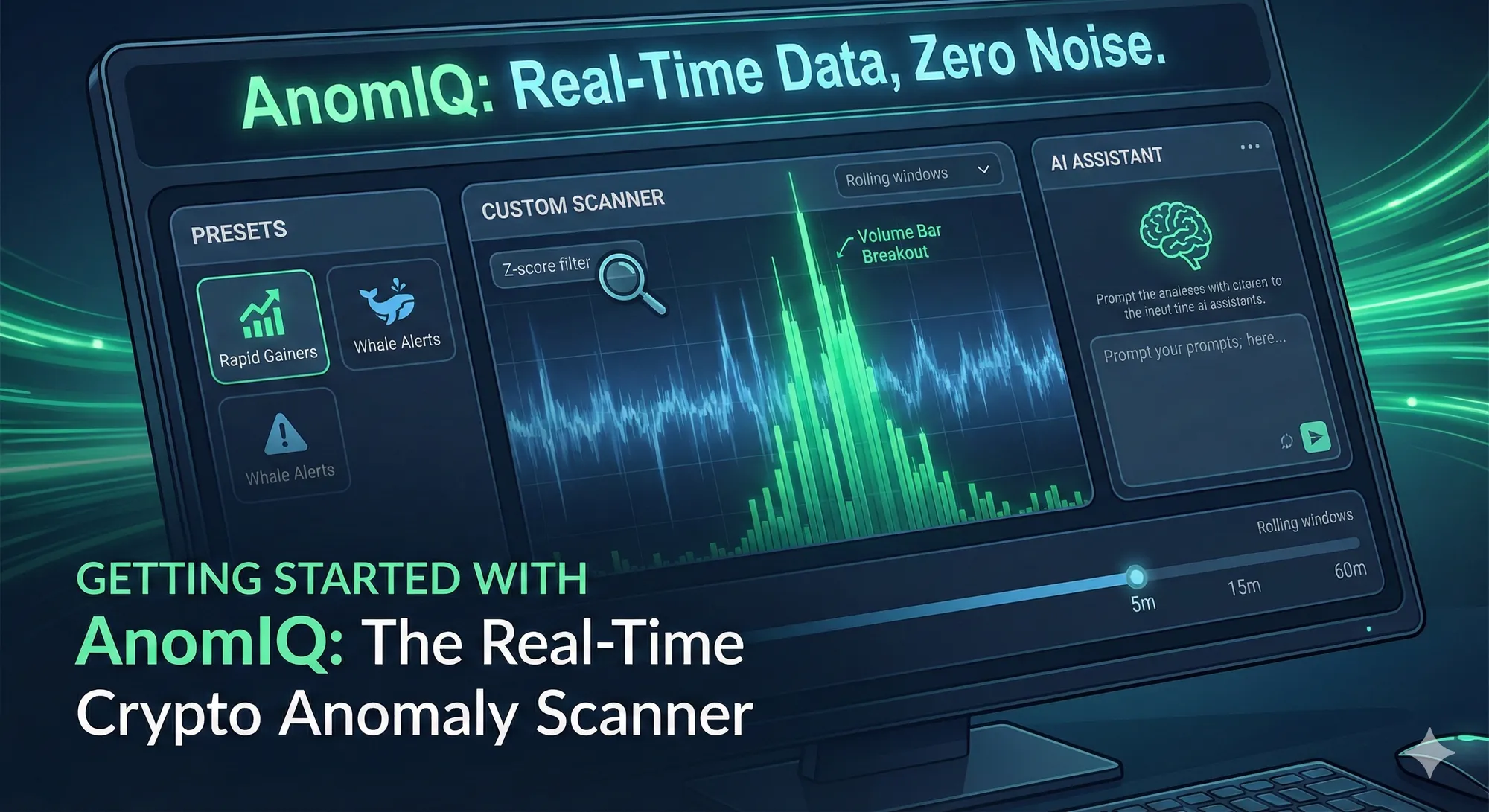
If you are waiting for a 15-minute candle to close before analyzing market structure, your data is already lagging. In digital asset markets, institutional capital and algorithmic systems execute in milliseconds. By the time traditional indicators likeRSI or MACD update, the structural shift has already occurred.
AnomIQ was built to solve this exact latency problem.
Instead of waiting for arbitrary timeframes to close, AnomIQ ingests raw WebSocket trade data from major exchanges, running it through continuous “rolling windows.” This lets AnomIQ flag volume surges, unusually large executions, and liquidity shifts as they develop, not after a candle closes.
Three ways to start using AnomIQ for quantitative analysis:
1. The Quick Start: The Preset Library
If you want to start from a working rule, open a new scanner and choose Start from a preset. The Preset Library holds 24 presets in seven groups, each a complete scanner rule built from the same metrics described below.
| Group | What its presets look for | Example preset |
|---|---|---|
| Concentrated Flow | One side’s volume rising faster than its trade count, often while price stays contained | Concentrated Bid-Side Flow (5m) |
| Upside Expansion | Upside moves with elevated volume and buy-dominant taker flow | Upside Expansion With Micro Acceleration |
| Downside Expansion | Downside moves, and sell-side flow after a recent price move | Extreme Downside Expansion |
| Multi-Timeframe Context | A higher-timeframe move combined with current short-window conditions | Hourly Uptrend Pullback |
| Transition Conditions | Changes in short-window flow or price response after a larger move | Uptrend Stall Candidate |
| Trend Quality | A positive hourly move with controlled short-term volatility | Controlled Hourly Upside Conditions |
| Activity Quality Control | Activity to treat with caution rather than read as direction | Fragmented High-Count Activity (Flag) |
Before you apply a preset, the library shows its mechanism hypothesis, a note on what it does not establish, and a preview of its conditions. For Concentrated Bid-Side Flow (5m), that note reads: “This does not identify who placed the trades, prove accumulation or absorption, or predict whether price will rise next.”
Applying a preset loads its conditions into your scanner, where you can change any threshold before saving. Every preset starts with the same gate, a Liquidity Score of at least 85 and a Today Volume in $ floor, so thin markets are excluded by default.
2. The Pro Route: Custom Multi-Timeframe Filters
For advanced data analysts, AnomIQ acts as a blank canvas. You can build the ultimate custom screener by stacking dozens of highly specific data points across multiple timeframes (5m, 15m, and 60m).
If you want the exact metric math and production-ready filter templates, use How to Detect Crypto Volume Anomalies in Real Time (Binance USDT + Coinbase USD).
For how each 5m, 15m and 60m window and its baseline are built, and how to layer conditions, see Multi-Timeframe Crypto Scanner Filters: How to Layer Rules. For what separates anomaly detection from a live price feed in the first place, see Real-Time Crypto Scanner: Live Feeds vs Anomaly Detection.
Looking for a specific structural setup? You can mix and match parameters like:
- Statistical Rarity: Set Volume Z-Score (
> 3.0) to only view volume at least three standard deviations above that symbol’s own baseline. - Order Flow Bias: Set Current Buy Volume Ratio (
> 65%) so aggressive buys make up at least 65% of the window’s volume. - Liquidity Filter: Use Liquidity Score (
> 80) to exclude markets with gaps between trades. The built-in presets use 85.
Because you can combine timeframes, you can require a 5-minute volume spike to also register on the 60-minute window. That screens out bursts that are only unusual at the 5m scale. It doesn’t prove the participation lasted, because one extreme candle sits inside both windows: add NTI Positive Streak, or check again after the 5m window rolls over.
3. The AI Shortcut: Translate Your Analytical Model into Filters
Not sure which Z-scores or volume ratios match your criteria? Use AI to translate plain-English conditions into exact filter values.
AnomIQ provides a “Master Prompt” you can copy and paste into ChatGPT, Claude, or Gemini. It gives the AI the exact filter names and definitions AnomIQ uses. Just fill in your analytical criteria at the top, and the AI will propose filters and thresholds for your scanner.
Copy and paste this entire block into your favorite AI:
Analytical Model: Here is the market structure I am looking for: [INSERT YOUR PLAIN ENGLISH CRITERIA HERE - e.g., “I look for liquid altcoins where aggressive buying suddenly runs far above its own baseline while price barely moves, but only if volume was normal for the previous hour.”]
Context: I use a real-time market data terminal called AnomIQ. It does not wait for candles to close. It processes raw trades in rolling windows: the 5m window is 4 finished 1m bars + 1 active bar, the 15m is 14 + 1, and the 60m is 59 + 1. Z-scores compare each window with the same symbol’s own earlier windows (about the last hour for 5m, five hours for 15m, and a day for 60m).
I need to configure a scanner using these available filters. Use the names exactly as written: 1. General (daily and market context): Market (BINANCE, COINBASE, BINANCE_PERPS, HYPERLIQUID), Current Price ($), Today Return (%), Yesterday Return (%), Today Volume in $, Yesterday Volume in $, Total Volume Ratio (today’s volume vs yesterday’s), Volume Ratio Relative (today vs yesterday at the same time of day), Micro acceleration 5min vol / 15min vol, Macro acceleration 5min vol / 60min vol, Trend set acceleration 15min vol / 60min vol, Liquidity score 0-100 (share of the last 1,440 minutes with at least one trade; the built-in presets require 85), Price vs Session VWAP (%) and Price vs Session VWAP Z-Score, Price vs EWMA VWAP (%) and Price vs EWMA VWAP Z-Score, Session CVD Notional (aggressive buy minus sell notional since 00:00 UTC), NTI Positive Streak (consecutive 1m bars where buy volume beat sell volume), BTC Correlation 1H and BTC Correlation 24H. 2. Perpetuals only (BINANCE_PERPS, HYPERLIQUID): Open Interest, OI Change % (1m, 5m, 15m, 60m, 120m, 240m). 3. Volume profile (previous UTC day): Previous Day POC Distance (%), Previous Day Value Area Distance (%), Nearest Previous Day HVN Distance (%), Nearest Previous Day LVN Distance (%), each also available as an absolute “Abs” version. 4. Timeframe metrics (set separately for the 5m, 15m and 60m windows):
- Z-scores: Total/Buy/Sell Volume Z-score, Total/Buy/Sell Trade Count Z-score, Total/Buy/Sell Trade Size Z-score, Volatility Z-Score. (Above 2.5 is unusual for that symbol; above 3.0 is rarer still.)
- Taker flow: Net Taker Imbalance (%, from -100 to +100), Taker Imbalance Z-Score, Current (TimeFrame) Buy/Sell Volume Ratio (share of the window’s volume), Current (TimeFrame) Buy/Sell Trades Ratio (share of the window’s trades).
- Price response: Current (TimeFrame) Return (%), Current (TimeFrame) Volatility (high-low range, %), Trend Cleanliness (Body/Range %) (0-100), Relative Price Impact (absolute return divided by the volume multiple; low means a weak price response to abnormal volume), New UTC-Day High, New UTC-Day Low.
- Trade size: Intensity Z-Score (Volume vs Count) (volume z-score minus trade-count z-score: positive means larger average trades, negative means more, smaller trades), Buy/Sell Volume Concentration (side volume z-score minus side trade-count z-score), Average Trade Size ($), Intensity Ratio, Current (TimeFrame) Buy/Sell Size Ratio.
- Ratios to history: Total/Buy/Sell Volume Ratio, Total/Buy/Sell Trade Count Ratio, Total/Buy/Sell Trade Size Ratio (200% = twice the historical average).
Job: Based on my analytical criteria, exactly which AnomIQ filters and timeframes should I set to build the perfect data monitor? Provide the exact metric names and the > or < thresholds I should input.
Treat the AI’s answer as a draft: check each suggested filter against the metrics glossary before you save the scanner.
Frequently Asked Questions
How is AnomIQ different from waiting for a candle to close on TradingView?
AnomIQ processes raw WebSocket trade data in continuous rolling windows instead of waiting for a candle to close, so a 5-minute window is built from four finished 1-minute bars plus one active bar. This removes the lag between when a structural shift happens and when it shows up in your data.
What’s the fastest way to start scanning without configuring anything?
Open a new scanner and choose Start from a preset. The Preset Library has 24 presets in seven groups, such as Concentrated Bid-Side Flow (5m), Upside Expansion With Micro Acceleration, and Uptrend Stall Candidate. Applying one loads a complete rule you can run as-is or edit.
What does the Volume Z-Score filter measure?
Volume Z-Score measures how statistically unusual current volume is compared to an asset’s own historical baseline. Setting it above 3.0 keeps only readings at least three standard deviations above that asset’s own baseline, which is why it works as a rarity filter rather than a directional signal.
Can I ask ChatGPT or Claude to build my AnomIQ scanner for me?
Yes. AnomIQ provides a Master Prompt you copy into ChatGPT, Claude, or Gemini along with your plain-English criteria. The prompt gives the AI the exact filter names and definitions AnomIQ uses, and the AI returns filter names and thresholds to enter. Treat its answer as a draft and check each filter against the metrics glossary before saving.
Why would I combine a 5-minute filter with a 60-minute filter?
Combining timeframes lets you require a short-term event, like a volume spike on the 5-minute window, to also register on the 60-minute window. That screens out bursts that are only unusual at the 5m scale, but it doesn’t prove the participation lasted: one extreme candle sits inside both windows. For persistence, add NTI Positive Streak or check again after the 5m window rolls over.
What does a high Intensity Z-Score indicate?
Intensity Z-Score is volume z-score minus trade-count z-score. A reading above 2.0 means volume is rising much faster than trade count, so the average trade is larger than usual; negative values mean many smaller trades. It describes trade size, not who is trading.
Open AnomIQ, start from a preset or build your own rule, and see which markets match right now. The free tier runs up to 2 scanners on 30-minute delayed data; the paid plan runs up to 10 in real time, with Telegram and NTFY delivery.